Anycast name servers
Every zone lives on a globally distributed network of anycast name servers, so queries land on the nearest location wherever your users are.
A managed authoritative DNS service for teams who ship infrastructure from code. Provision zones, sign records, and let the platform serve every name through anycast name servers — without running your own resolver.
Already have an account? Sign in.
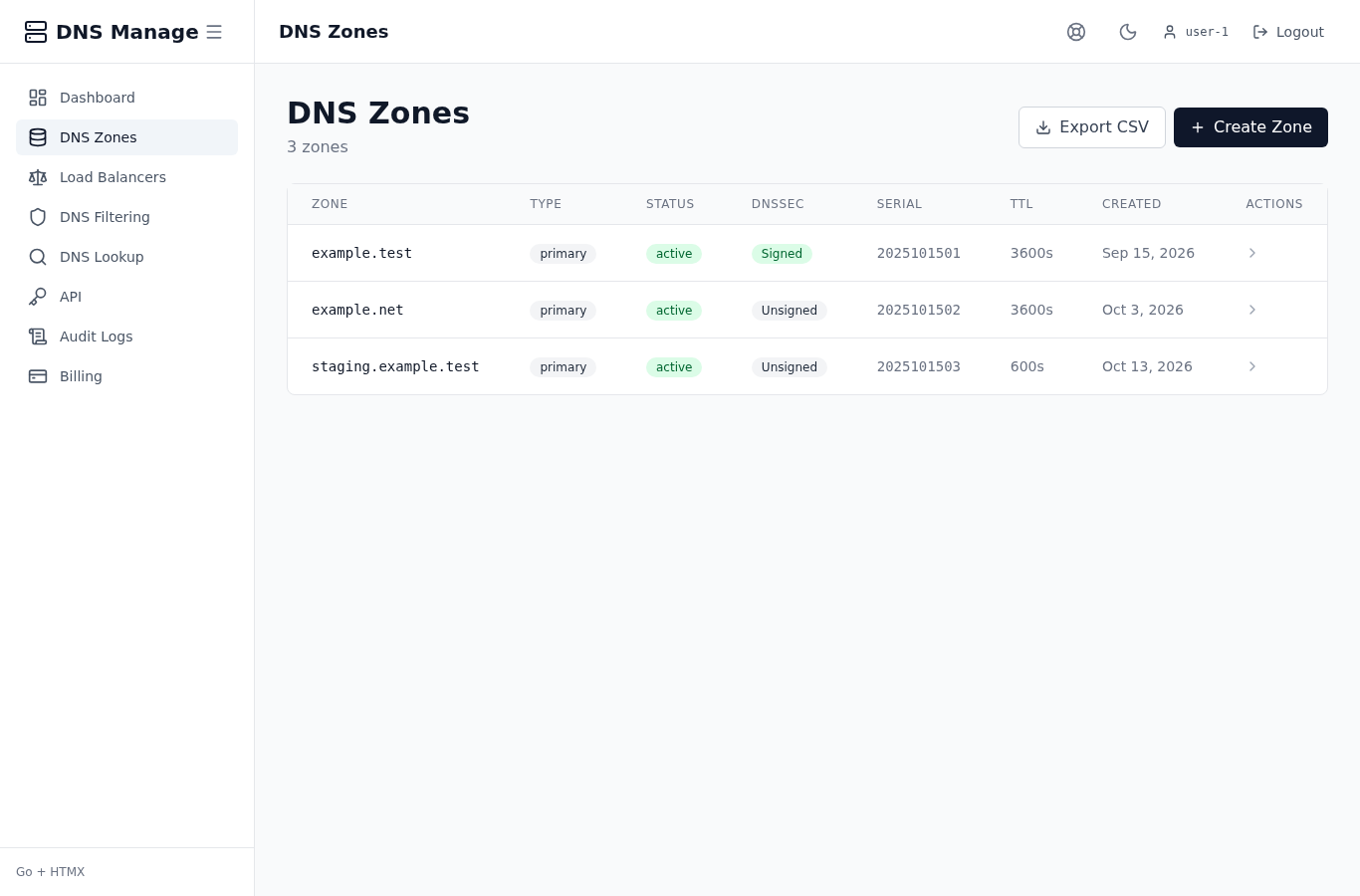
The platform handles the parts of authoritative DNS that are easy to get wrong and expensive to debug later.
Every zone lives on a globally distributed network of anycast name servers, so queries land on the nearest location wherever your users are.
Add, change and remove records through the same REST API the dashboard uses, so DNS changes ride along with code.
A, AAAA, CNAME, MX, NS, TXT, SRV and CAA — plus aliases and reverse zones — from the same dashboard.
Turn on signing for a zone and publish the DS record at your registrar without writing zone-file syntax.
Every record change leaves an audit entry with the actor, the time and the before/after values — searchable from the dashboard.
Every zone, record and API key belongs to your account, so no other customer ever reads or writes your data.
Three steps from signing in to a live zone.
Sign in through the central identity provider and land on your dashboard. There is no separate account to create if you already use any other NetQuirk service.
Create a zone for your public listing and add the records you need. The dashboard shows every record type the platform supports and lets you stage a batch of changes before you publish them.
Copy the anycast name servers the zone page shows you, and update the NS records at your registrar. Queries start resolving as soon as the registrar publishes the change.
Yes. You only need to update the NS records at your existing registrar so they match the anycast name servers the dashboard shows. Your billing, your renewal schedule and your other DNS records at the registrar stay untouched.
Yes. Every action the dashboard exposes is also a REST endpoint, so you can drive DNS changes from CI, from your own tooling or from a terminal. Mint an API key from the dashboard and authenticate every request with it.
Yes. Turn on signing for any zone you own, and the dashboard surfaces the DS record to publish at your registrar. The platform warns you before signatures are about to expire.
The platform is operated by NetQuirk and reachable from the public internet. The live status page shows the latest health probe of the service so you can confirm it is up before you delegate a zone.
Sign in and your dashboard opens on the live feed of records and zones. Add a zone, copy the anycast name servers and update the NS records at your registrar.